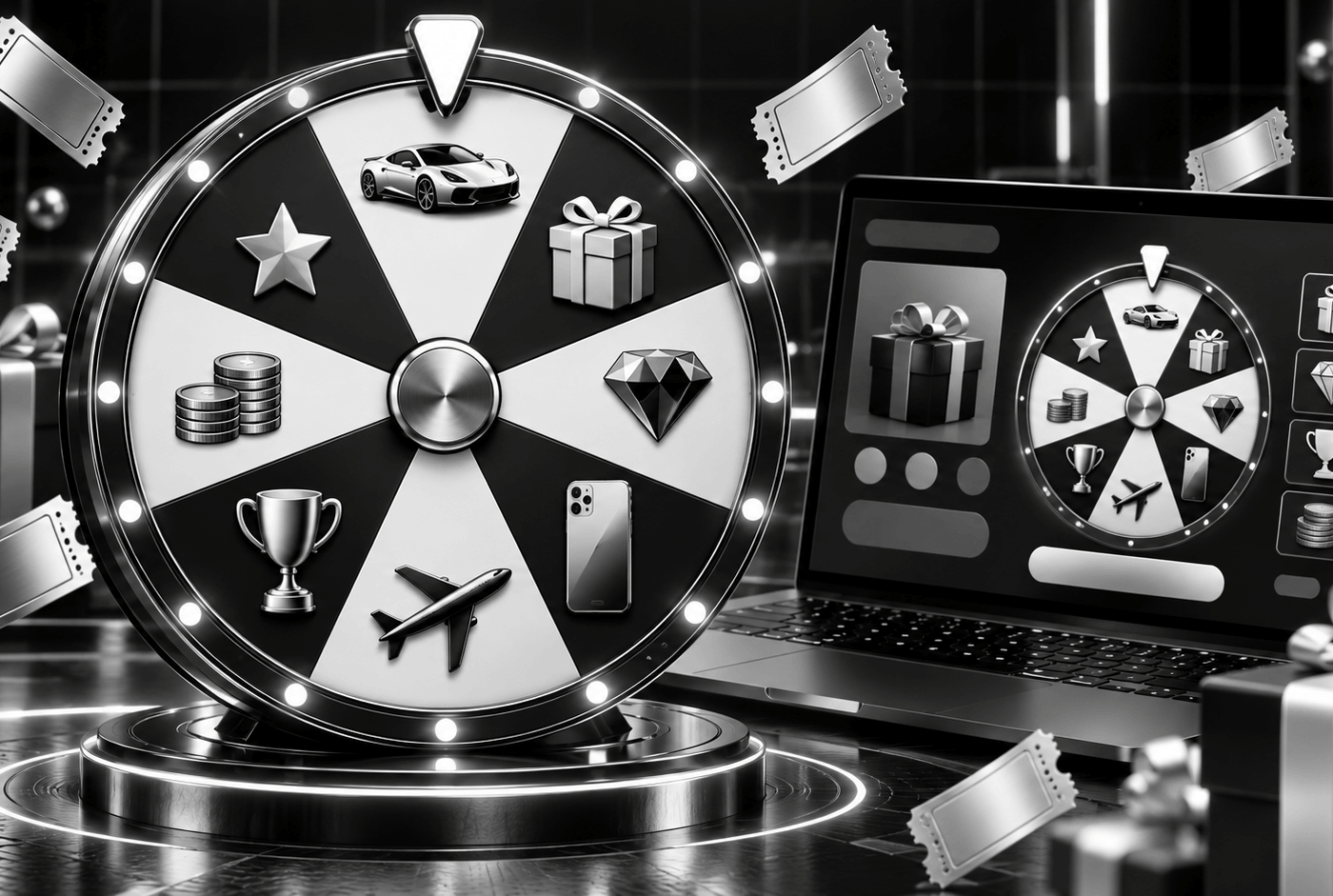
Spin Wheel turns your WooCommerce store into an instant-win game. Create a Spin Wheel product, set a price per spin, add your prizes and publish. Customers buy spins, answer an optional skill question, spin the wheel and see straight away whether they’ve won. Every spin is logged, every win gets its own reference, and customers and your team get branded win emails automatically.
It’s built for UK raffle and competition sites. You can cap spin stock, limit purchases per order and per customer, run the wheel between set start and end dates, and reward loyal customers with free spins when they spend over a set amount. Everything is branded from the admin panel, with no coding needed.
Do I need WooCommerce?
Yes. Spin Wheel adds a new product type to WooCommerce, so WooCommerce must be installed and active.
Does it work without the any of our theme?
Yes. You can place the wheel on any page of a WooCommerce site with the shortcodes. With our themes active, the spin pages, cards, home page grid and emails are styled for you automatically.
How do players get spins?
They buy them like any other product, earn free spins when they spend over an amount you set, or receive spins you award from the admin panel.
Can I limit how many spins a player buys?
Yes. Set a maximum per order and a maximum per player for each wheel, as well as the total spin stock.
Can I add losing segments?
Yes. Mark any prize row as "No Win" to add segments such as "Try Again".
Can the result be changed in the browser?
No. Every result is decided and recorded on the server, and each spin gets its own transaction ID.
What happens if something fails during a spin?
If the result can't be saved, the player's spin is given back automatically.
Can I add a skill question?
Yes. Each wheel can have an optional multiple-choice question with up to 4 answers. Players must answer correctly before spins can be added to the basket.
Can prizes be paid as site credit?
Yes. Site credit prizes are matched by keyword and paid into the player's wallet automatically when a wallet plugin such as TeraWallet is active.
Do winners get an email?
Yes. Winners get a branded email with the prize, ticket number, win reference, date and time. Your team can get an admin alert as well.
Where do players see their spins and prizes?
In a dedicated Spin Wheel area in WooCommerce My Account, showing available spins, free spins, orders, spin history and prizes won.
Can I match the wheel to my brand?
Yes. You can set the colours for every section, choose fonts (including Google Fonts), use presets and override the style on individual wheels, all without code.
Does it work with Elementor?
Yes. The shortcodes work in Elementor, and the colour settings can use your Elementor global colours.
Can I import prizes in bulk?
Yes. Upload a CSV to load or replace all the prize rows on a wheel.
Can I schedule a wheel?
Yes. Set a start and end date and time. A countdown timer shows the time left, and all times follow your WordPress timezone.
How do I track wins and fulfilment?
The Wins page lists every win with its reference, and you can update the fulfilment status of each one. Spin Logs keep a full record of every spin.
What are the requirements?
WordPress 6.3 or higher, WooCommerce and PHP 7.4 or higher.
Do I get updates and support?
Yes. Updates and email support are included for the licence period. Contact info@rafflewebdesign.com.
Do I need WooCommerce?
Yes. Spin Wheel adds a new product type to WooCommerce, so WooCommerce must be installed and active.
Does it work without the any of our theme?
Yes. You can place the wheel on any page of a WooCommerce site with the shortcodes. With our themes active, the spin pages, cards, home page grid and emails are styled for you automatically.
How do players get spins?
They buy them like any other product, earn free spins when they spend over an amount you set, or receive spins you award from the admin panel.
Can I limit how many spins a player buys?
Yes. Set a maximum per order and a maximum per player for each wheel, as well as the total spin stock.
Can I add losing segments?
Yes. Mark any prize row as "No Win" to add segments such as "Try Again".
Can the result be changed in the browser?
No. Every result is decided and recorded on the server, and each spin gets its own transaction ID.
What happens if something fails during a spin?
If the result can't be saved, the player's spin is given back automatically.
Can I add a skill question?
Yes. Each wheel can have an optional multiple-choice question with up to 4 answers. Players must answer correctly before spins can be added to the basket.
Can prizes be paid as site credit?
Yes. Site credit prizes are matched by keyword and paid into the player's wallet automatically when a wallet plugin such as TeraWallet is active.
Do winners get an email?
Yes. Winners get a branded email with the prize, ticket number, win reference, date and time. Your team can get an admin alert as well.
Where do players see their spins and prizes?
In a dedicated Spin Wheel area in WooCommerce My Account, showing available spins, free spins, orders, spin history and prizes won.
Can I match the wheel to my brand?
Yes. You can set the colours for every section, choose fonts (including Google Fonts), use presets and override the style on individual wheels, all without code.
Does it work with Elementor?
Yes. The shortcodes work in Elementor, and the colour settings can use your Elementor global colours.
Can I import prizes in bulk?
Yes. Upload a CSV to load or replace all the prize rows on a wheel.
Can I schedule a wheel?
Yes. Set a start and end date and time. A countdown timer shows the time left, and all times follow your WordPress timezone.
How do I track wins and fulfilment?
The Wins page lists every win with its reference, and you can update the fulfilment status of each one. Spin Logs keep a full record of every spin.
What are the requirements?
WordPress 6.3 or higher, WooCommerce and PHP 7.4 or higher.
Do I get updates and support?
Yes. Updates and email support are included for the licence period. Contact info@rafflewebdesign.com.